Introduction: The Rise of Faceless Fitness Channels
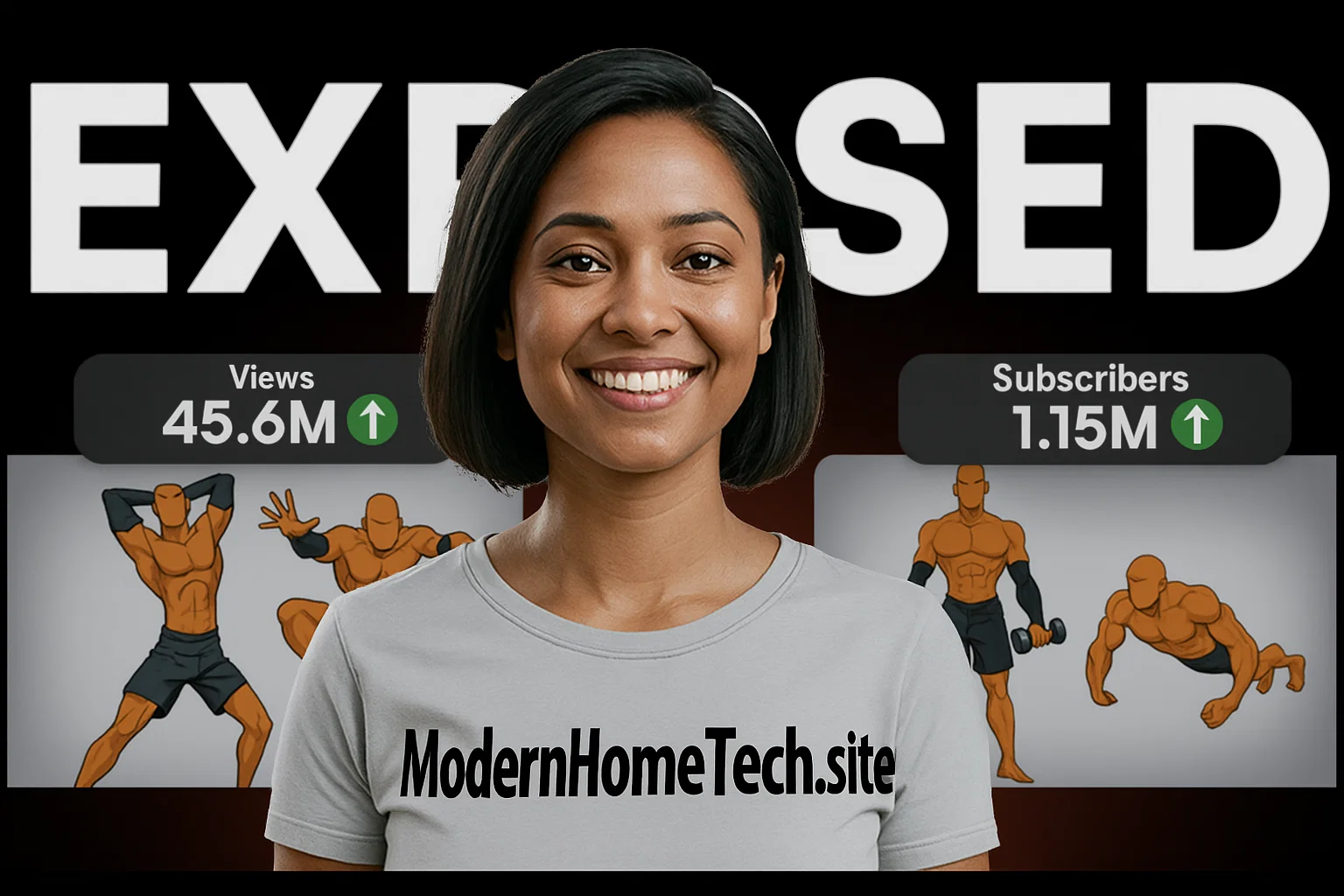
In 2025, faceless fitness channels are quietly taking over YouTube. You’ve probably seen creators like Yellow Dude or Captain Workout, who have gained millions of views and hundreds of thousands of subscribers — all without ever showing their face. What makes them so successful? It’s not luck — it’s smart use of AI tools, creative editing, and powerful storytelling.
If you’ve ever dreamed of building your own AI-powered fitness channel, this guide breaks down everything you need to know — from choosing your niche and designing your character to creating viral thumbnails and editing your videos for retention.
Step 1: Choose Your Niche and Study the Pros
Before anything else, decide what type of fitness content you want to create. Faceless fitness channels thrive in niches like calisthenics, home workouts, body transformations, and mobility training.
Study successful creators such as Yellow Dude and Captain Workout. Look at how they design their animation style, how their titles spark curiosity, and how they edit for engagement. The key takeaway? You don’t need to show your face — you just need to deliver real value in a visually engaging way.
Step 2: Create Click-Worthy Titles and Thumbnails
Let’s be honest — no matter how great your content is, people won’t click if your title and thumbnail don’t stand out. On YouTube, clicks = views = growth.
Use these 4 viral title formulas to craft clickable ideas:
-
Result in Time — “10 Pull-ups in 30 Days”
-
Stop/Start Format — “Stop Doing Push-ups Like This. Do This Instead.”
-
Challenge — “I Tried the Prison Calisthenics Routine for 7 Days”
-
Myth vs Truth — “Your Core Needs These Exercises, Not Sit-Ups”
Once you’ve chosen your title, design a scroll-stopping thumbnail. Use Canva or Fotor, keep the text under 3 words, focus on one emotion, and ensure the thumbnail visually proves the promise of your title.
Step 3: Write a Powerful Script With AI
After locking in your title and thumbnail, move to scripting. Instead of writing from scratch, use ChatGPT or Gemini AI to help generate ideas. Provide your title and thumbnail to keep your script on-brand.
Here’s an effective prompt example:
“You are a professional YouTube scriptwriter. Write a script for a faceless fitness channel titled ‘Your Core Needs These Exercises, Not Sit-ups.’ Use a direct, second-person tone, include a hook, step-by-step content, common mistakes, and a 7-day action plan.”
This ensures your script has a clear structure and engaging tone, while saving hours of manual writing.
Step 4: Generate Voiceovers With AI
No need to record your own voice! Use Google’s Gemini TTS or 11 Labs to create professional voiceovers. Gemini offers natural-sounding speech models and is currently free to use.
Simply paste your script into Google AI Studio, choose the voice model “Gemini 2.5 Pro TTS,” and type a tone like “read aloud in an instructional style.” The AI will generate clean, studio-quality narration you can download and use in your video.
Step 5: Create Visuals With Whisk (Google’s AI Image Generator)
Your faceless character brings the video to life. Using Whisk, powered by Google’s Imagen 4 and Nano Banana models, you can generate high-quality animated visuals for free.
Prompt example:
“A stylized faceless superhero in vector cartoon style, full body, orange outfit, clean background.”
You can adjust poses, add motion, and even use a consistent seed to maintain character continuity across multiple videos.
Step 6: Edit Everything in Canva
Once your images and voiceovers are ready, combine them in Canva Video Editor. Choose a 16:9 aspect ratio, import your visuals, align them with the voiceover timeline, and add animations like “Riser” for smooth movement.
Don’t forget to include:
-
Background music (volume at 7%)
-
Light sound effects for motion and emphasis
-
Clean transitions between scenes
This helps your video look polished and keeps viewers engaged from start to finish.
Step 7: Design a Viral Thumbnail
Your thumbnail should visually summarize your video’s transformation — for example, a “Before and After” style. Use arrows, contrast colors, and a short bold phrase like “Real Core Gains” to attract clicks.
You can also use Canva’s Image Upscaler or free tools like BigJPG.com to enhance image quality.
Final Tips: How to Go Viral
To turn your channel into the next Yellow Dude success story:
-
Use consistent branding (same character, color theme, and tone)
-
Post 1–2 videos per week to feed the algorithm
-
Monitor CTR (Click-Through Rate) and Watch Time in YouTube Studio
-
Experiment with 3 thumbnail variations per video
-
Repurpose clips for YouTube Shorts and Instagram Reels
Remember — virality doesn’t come from showing your face; it comes from offering value, consistency, and strong visuals.